Back to blog

WhatsApp Business Platform has a conversation-based pricing model, adding more depth to the different conversations you can have with customers throughout the customer journey. Within this model, they introduce four conversation categories:
Utility (business-initiated)
Authentication (business-initiated)
Marketing (business-initiated)
Service (user-initiated)
Let’s dive into these four categories and their use cases
WhatsApp Business Conversation Categories
WhatsApp distinguishes two different approaches to their customer conversations: business-initiated and customer-initiated. Customer-initiated conversations happen when a customer reaches out to your business, often with a request for help, support, or information.
Business-initiated conversations are the ones that you can start proactively, by sending out communication to your opted-in customers. These business-initiated conversations always start with a preapproved message template.
Read all about WhatsApp Message Templates
The message template used will determine the conversation category. It is possible to switch between categories by sending out a template of a different conversation category during the conversation.
For example, if you send out a message to boost sales on your new products, you will probably use a Marketing template, starting a Marketing conversation. Halfway through the conversation, however, the customer has a need for support. You may then opt to send a Utility message template, and by doing so, you will start a Utility conversation.
All existing message templates in WhatsApp Business Platform will be classified into the four new categories on April 1st.
Utility
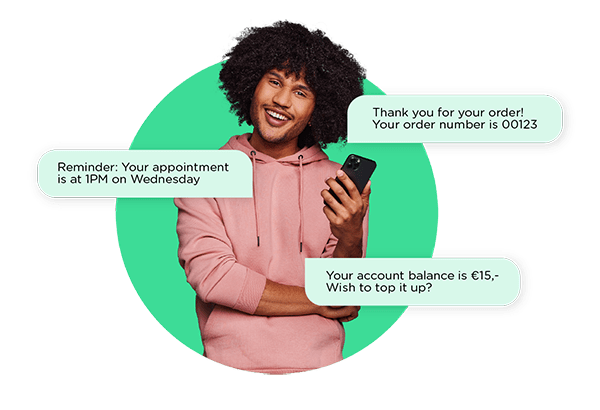
Utility conversations are business-initiated conversations, often relating to specific, agreed-upon updates, requests, or transactions. Think about sending post-purchase notifications, order confirmations, and recurring billing statements to customers. Because Utility conversations are business-initiated, they always start with a WhatsApp message template that belongs to the Utility category.
Utility Use Cases
1. Appointment Reminders and Updates
"Reminder: Your appointment at CMClinic is next Wednesday at 1 PM. Please bring your identification and the filled-out questionnaire."
2. Order Confirmations and Updates
"Thank you for your purchase! Your order number is 0123."
"Unfortunately, your order has been delayed. We'll ship it to you as soon as possible."
3. Payment Confirmations and Updates
"We have received your payment and are packing up your order!"
"Thank you for your order! Please click the payment link below to finish the purchase."
4. Account Updates
"Your account balance is €5,-. Do you wish to top it up?"
5. Shipping Reminders and Updates
"We’ll be at your door tomorrow between 2PM and 6PM with your order 0123."
Authentication
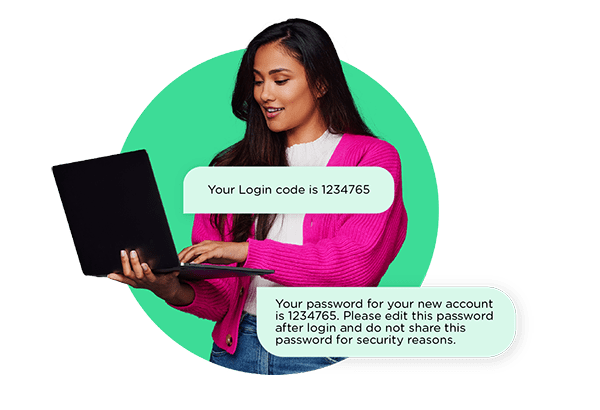
In Authentication conversations, security is key. With authentication templates, you can authenticate users with One Time Passwords at multiple touchpoints during the login or verification process, such as account registration, account recovery, and other situations where the customer’s identity needs confirmation. The conversations in this category are also business-initiated.
 Authentication Use Cases
1. New Account Set-Up
"Your password for your new account is Welcome01. Please change this password after login in settings>change password and do not share it for security reasons."
2. Two Factor Authentication
"Your login code is 01234."
Read more about One Time Passwords on WhatsApp Business
Marketing
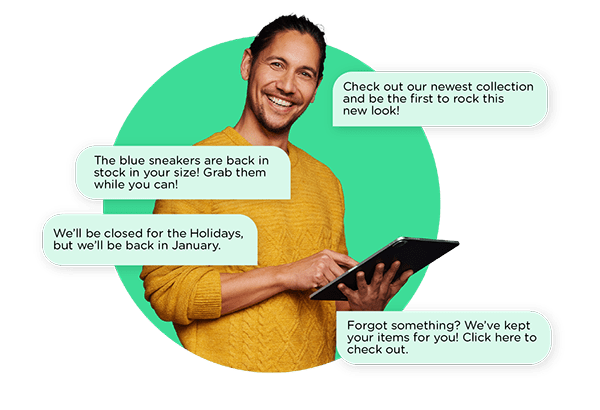
As the name suggests, Marketing conversations are business-initiated conversations to market a product or service to customers. You can send your opted-in customers relevant offers, good deals, or information about product restocking.
Also, WhatsApp will categorize any business-initiated conversations that do not qualify as Authentication or Utility, as Marketing Conversations.
 Marketing Use Cases
1. Promotions
"Check out our new summer collection and be the first to rock this new look!"
"We've got a special discount for loyal members only! Go to the online store now and get 15% off your next purchase with code Loyal23!"
2. Back-in-Stock Updates
"Great news! The blue sneakers are back in your size! Grab them while they're still in stock!"
3. Business Hours Updates
"We'll be closed for the Holidays, but we'll be back in January with some great new deals!
4. Abandoned Cart Reminders
"Forgot something? We've kept your favorite items for you! Click here to check out."
Service
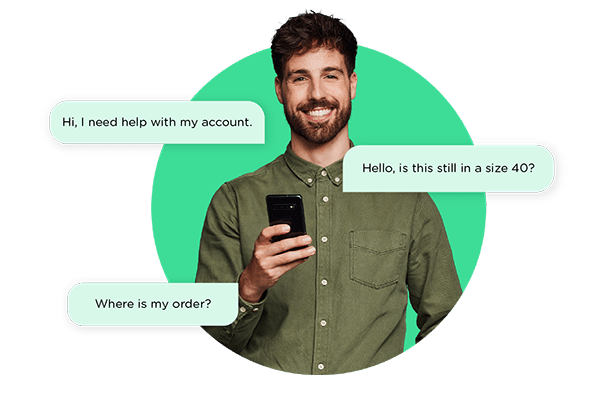
Service conversations are all conversations that are user-initiated, often to resolve a customer inquiry. They can range from questions, to support, to making a sale. It all depends on how the conversation flows. Chances are that this category will overlap or include the previous conversation categories and their use cases. The main difference is that this conversation starts with the customer (and is also conveniently priced as such).
 Get Started with WhatsApp Business Platform
Did some (or maybe all) use cases of the different conversation categories speak to you? Can't wait to get started with WhatsApp Business Platform? Talk to one of our experts to request a demo and find out everything you need to know about pricing, implementation, or anything else you might need.